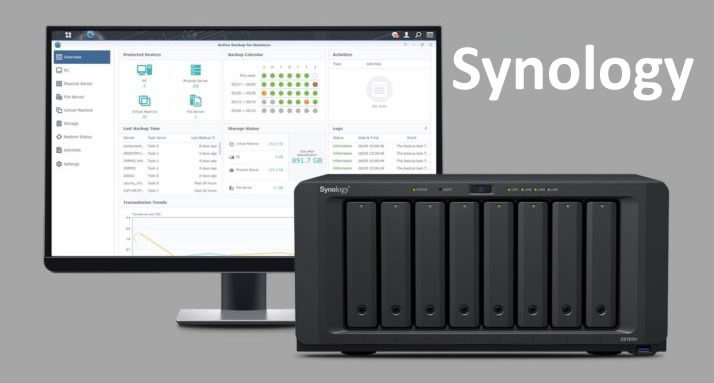
Synology NAS, short for Network Attached Storage (a network-based data storage system), functions as a centralized data center accessible from multiple devices. It goes beyond being just a storage solution; it’s a next-generation server that offers versatility, managing and providing everything in one.

Access your files with the Synology DS Finder
Versatile Data Storage
Imagine having a place where all your media files (photos, videos, documents, and other important files) are easily accessible. Synology NAS organizes your data in one central location, allowing you to share it in the cloud if desired.
Data Backup
Data loss often leads to consequences beyond financial losses. With Synology NAS, you can schedule automatic backups, ensuring your data is safe and secure. You can avoid the yearly expense of backup licenses, as many system administrators do.
Media Server
Do you enjoy watching movies, listening to music, or catching up on TV shows? Synology NAS can transform into a powerful media server, providing access to your media files from any device. Experience entertainment at your fingertips.
Collaborative Workspace
For professionals, it offers a collaborative workspace. Share documents, collaborate on projects, and access work files remotely. It’s an ideal solution for remote teams or individuals looking to boost productivity.
Scalability
One standout feature of Synology NAS is its scalability. Start with a basic model and expand storage and functionality as your needs grow. This flexibility ensures your investment remains valid in the long term.
Accessibility
Access your data from anywhere, anytime. Synology NAS provides mobile apps and web access, allowing you to retrieve your data from wherever you are. It’s like carrying a data center in your pocket.
1. What sets Synology NAS apart from portable hard drives?
NAS devices are specialized for data storage, backup, and management. They offer remote access, collaboration features, and scalability that external hard drives cannot provide.
2. Can Synology NAS be used for businesses of all sizes?
Especially for small businesses, it is an excellent choice. It provides cost-effective data management and backup solutions, making it easy to protect and access critical data.
3. What types of data can I store on Synology NAS?
You can store a variety of data, including documents, photos, videos, music, and more. It’s a versatile solution suitable for personal and professional use.
4. Is Synology NAS user-friendly for those not interested in technology?
Yes, it has a user-friendly design and comes with simple setup processes, making it accessible to everyone.
5. How does Synology NAS enhance data security?
Synology NAS offers various security features, including data encryption, user access controls, and automatic backups. These measures help protect your data from unauthorized access and potential losses.